
AI Landscape Design
What AI landscaping does well — and where it fails
AI landscape design is genuinely excellent at some things and unreliable at others, and knowing which is which is the difference between a tool that saves you money and one that wastes an afternoon. It is very good at surfaces, planting and atmosphere. It is weak on levels, structure and anything load-bearing. Work with that split and it earns its place.
- Strong: materials, planting, mood, style comparison
- Weak: levels, drainage, structure, exact scale
- Three free designs a day, no credit card
- Runs on iPhone, Android and in a browser


What AI landscape design actually is
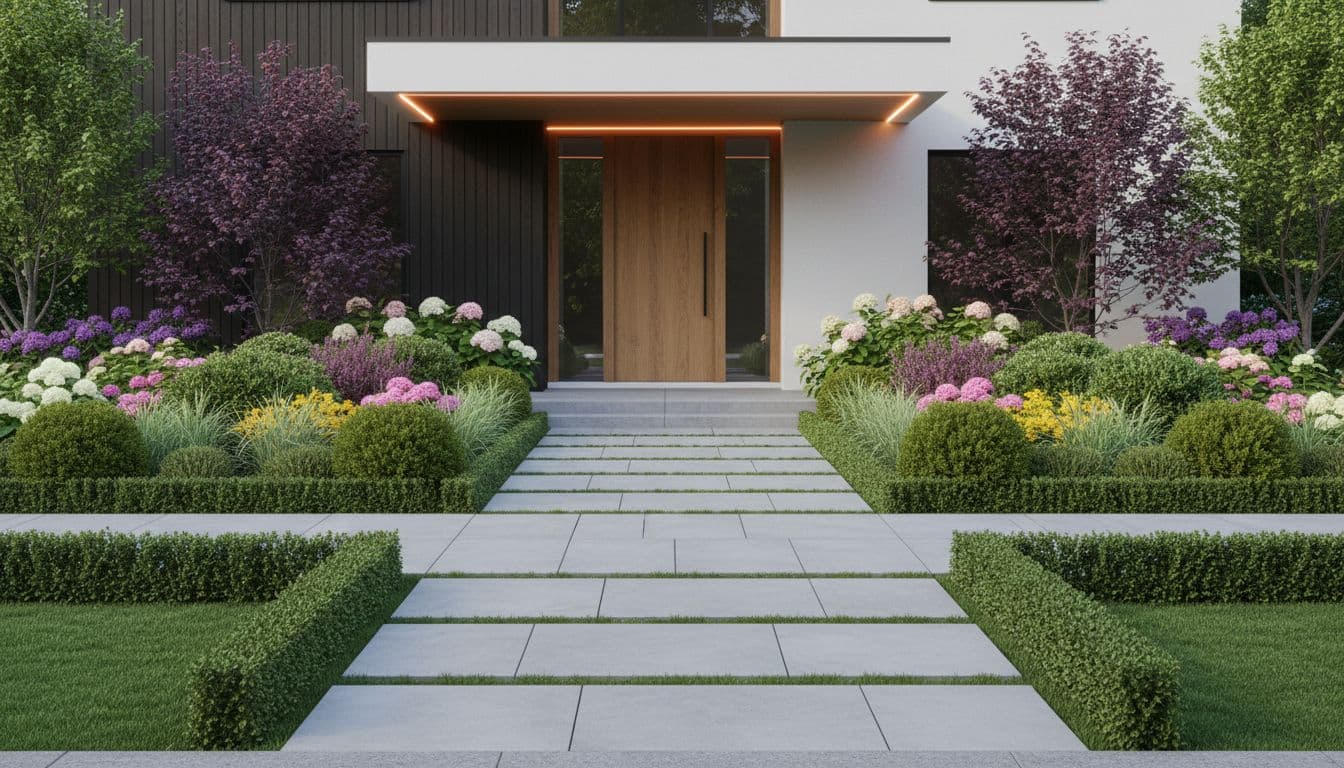
AI landscape design renders a photograph of an outdoor space as it would look landscaped, resolving surfaces, planting, structures and light together in a single image. It replaces the sketching stage of a landscaping project rather than the surveying stage, and produces something to decide from rather than something to build from.
How it works
Playing to its strengths
Ask it the questions it answers well, and take the rest to a human. That sequence gets the most out of both.
- 1
Ask it about look
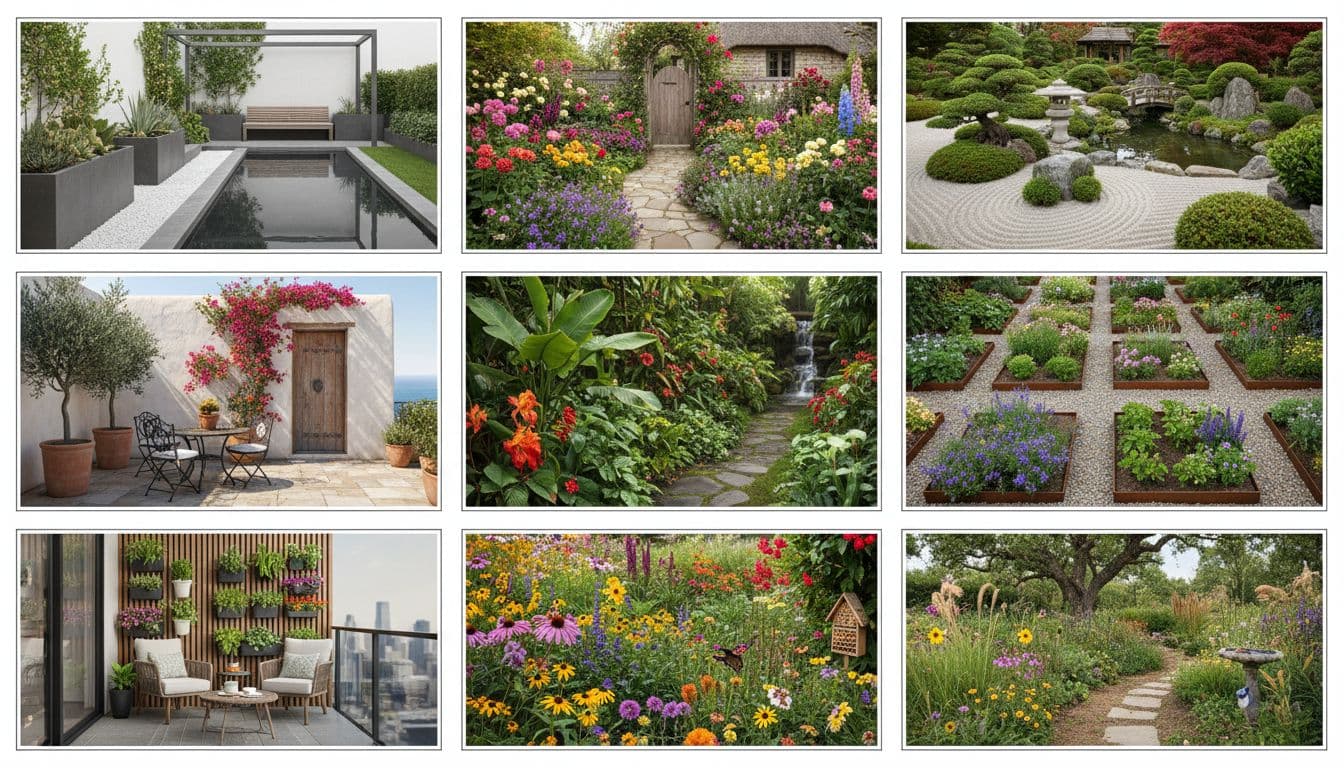
Gravel or stone? Loose planting or clipped? Warm materials or cool? These are exactly the questions it answers fast and convincingly.
- 2
Ask it about atmosphere
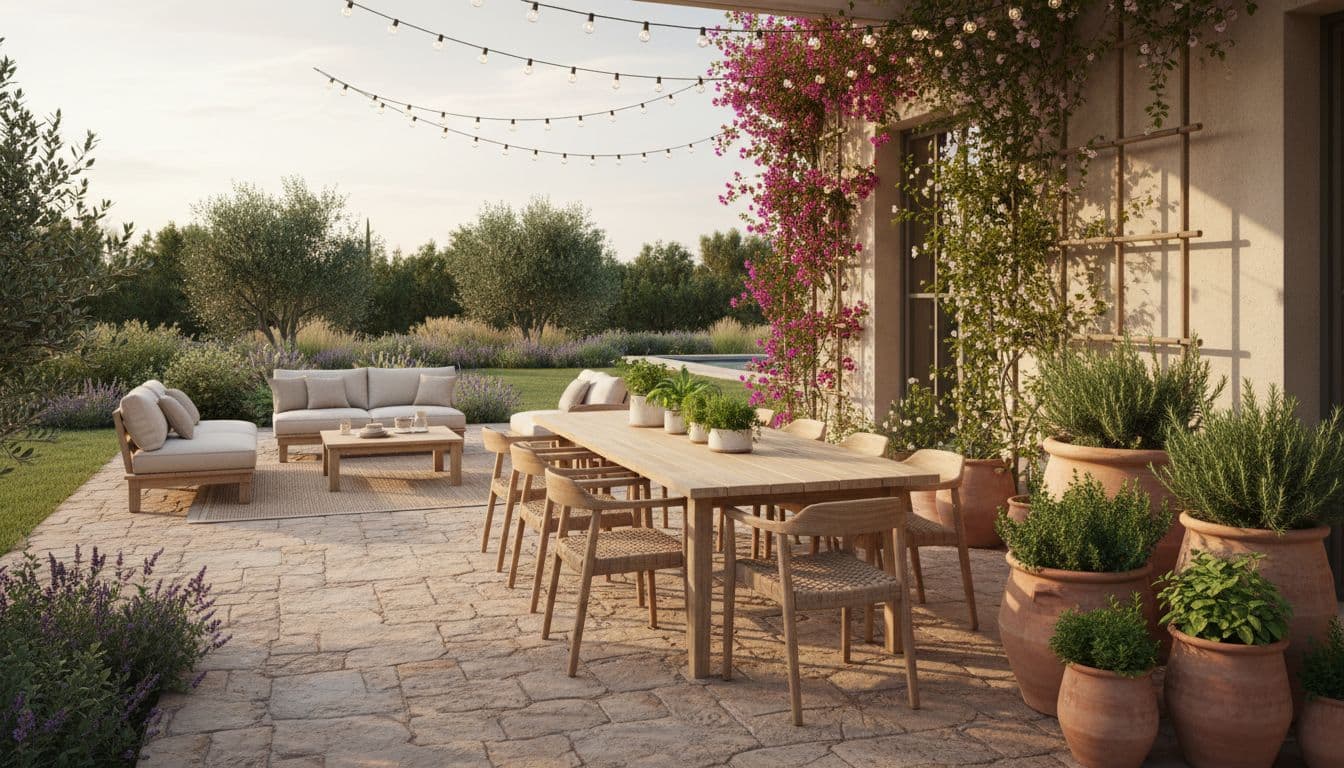
Evening lighting, density of planting, how enclosed a space feels. Hard to describe in words, obvious in an image.
- 3
Do not ask it about physics
Retaining heights, drainage falls, footing depths. It will render something plausible, and plausible is not the same as correct.
- 4
Hand the rest over
Take the settled look to a landscaper along with your specific structural questions.
Strengths
Where it genuinely outperforms a sketch
Comparing materials is the clearest win. A stone sample in your hand tells you almost nothing about how a whole terrace of it will read against your house, and no drawing captures it either. Rendered onto your actual property, the difference between buff sandstone and grey porcelain is immediate and unarguable.
The second real strength is planting density. Most people dramatically under-plant, because a planting plan on paper looks crowded when it is actually correct. Seeing the intended density rendered — and then seeing the sparse version next to it — corrects that instinct faster than any amount of advice.
- Material comparison, rendered on your own property
- Planting density and how full a scheme will read
- Evening and lighting atmosphere
- Style direction across several options quickly
Blind spots
The four things it will get wrong if you let it
These are not bugs so much as the nature of an image model. It is producing a picture that looks right, and a picture can look right while being unbuildable.
Levels are the big one: a render will happily show a terrace meeting a lawn with no step and no fall, which is fine in an image and a puddle in reality. Retaining is the second — walls appear holding back soil with nothing visible doing the holding. Third is precise scale, which drifts even when overall proportions are kept. Fourth is anything mechanical: irrigation, lighting circuits, drainage runs simply are not modelled.
- Levels and falls — rendered flat, rarely correct
- Retaining structures — shown without the structure
- Precise dimensions — proportions hold, measurements drift
- Services — irrigation, drainage and wiring are not modelled
The workflow
Split the job along that line
Once you accept the split, the workflow gets obvious. Use the AI to settle everything about appearance, which is the part that otherwise takes weeks of indecision and generates the vaguest briefs. Then hand a clear picture plus a short list of structural unknowns to someone qualified.
That handover is where the money is saved. A landscaper quoting from a settled visual with three specific questions attached prices faster and tighter than one being asked to interpret "something modern, maybe with a seating area".
FAQ
Questions people ask
Is AI landscape design accurate?
+
Accurate about appearance, not about construction. It reliably shows how materials, planting and light will read; it does not calculate levels, drainage or structural loads.
What is AI landscape design best used for?
+
Comparing materials and planting density on your own property, and settling the look before anyone quotes. That is where it saves real time and money.
Can it replace a landscape architect?
+
No. It replaces the sketching and mood-board stage. Levels, retaining, drainage and permissions still need a qualified professional.
Does it work on sloping sites?
+
It designs around a visible slope but will not tell you whether the retaining it draws is buildable. Treat slope designs as illustrative and get them checked.
Is there a free version?
+
Yes — three designs a day with no credit card, full quality with a small watermark.
What does the paid plan add?
+
Unlimited designs, no watermark, seasonal views and single-area editing. It is $33.99 a year on web and Android, $39.99 on the App Store.
Use it for what it is good at
Three free designs a day. Settle the look here, take the structure to a pro.