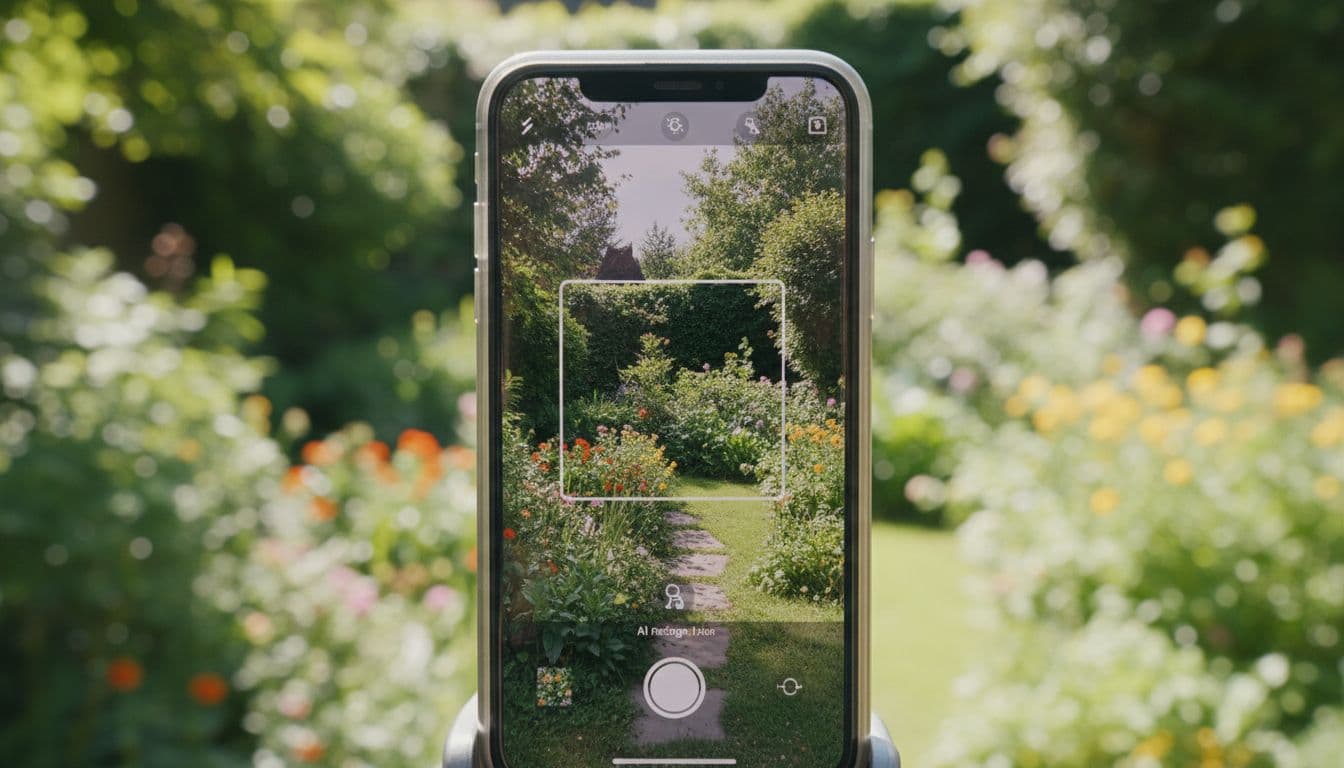
If you have typed “best AI garden design app” into a search bar or asked a chatbot for a recommendation, you already know the problem: most results are either generic listicles or apps that show you stock garden photos instead of ideas based on your own backyard. A genuinely useful AI garden design app should do one specific thing very well — take a photo of the outdoor space you actually have and turn it into a garden design idea you can picture yourself living in.
This guide breaks down exactly what to look for in an AI garden design app, the mistakes people make when choosing one, and how FlorAI – AI Garden Design was built around those exact criteria.
What Makes an AI Garden Design App Actually Good?
Not all AI garden design tools are built the same way. Some generate pretty but disconnected images; others barely change your original photo. Here is what separates a genuinely useful app from a novelty filter.
1. It Works From Your Real Garden Photo
The single biggest differentiator in AI garden design is whether the tool uses yourphoto or shows you a generic template. An app that works from a real photo keeps your fence lines, patio shape, existing trees, and sun exposure intact, so the AI garden design idea it produces is something you could realistically work toward — not just inspiration from someone else’s yard.
2. Speed: Seconds, Not Days
Traditional garden planning can mean weeks of sketching, Pinterest boards, or waiting on a landscaper’s first draft. A well-built AI garden design app should generate a usable concept in seconds so you can compare multiple styles before committing to any one direction.
3. Before-and-After Clarity
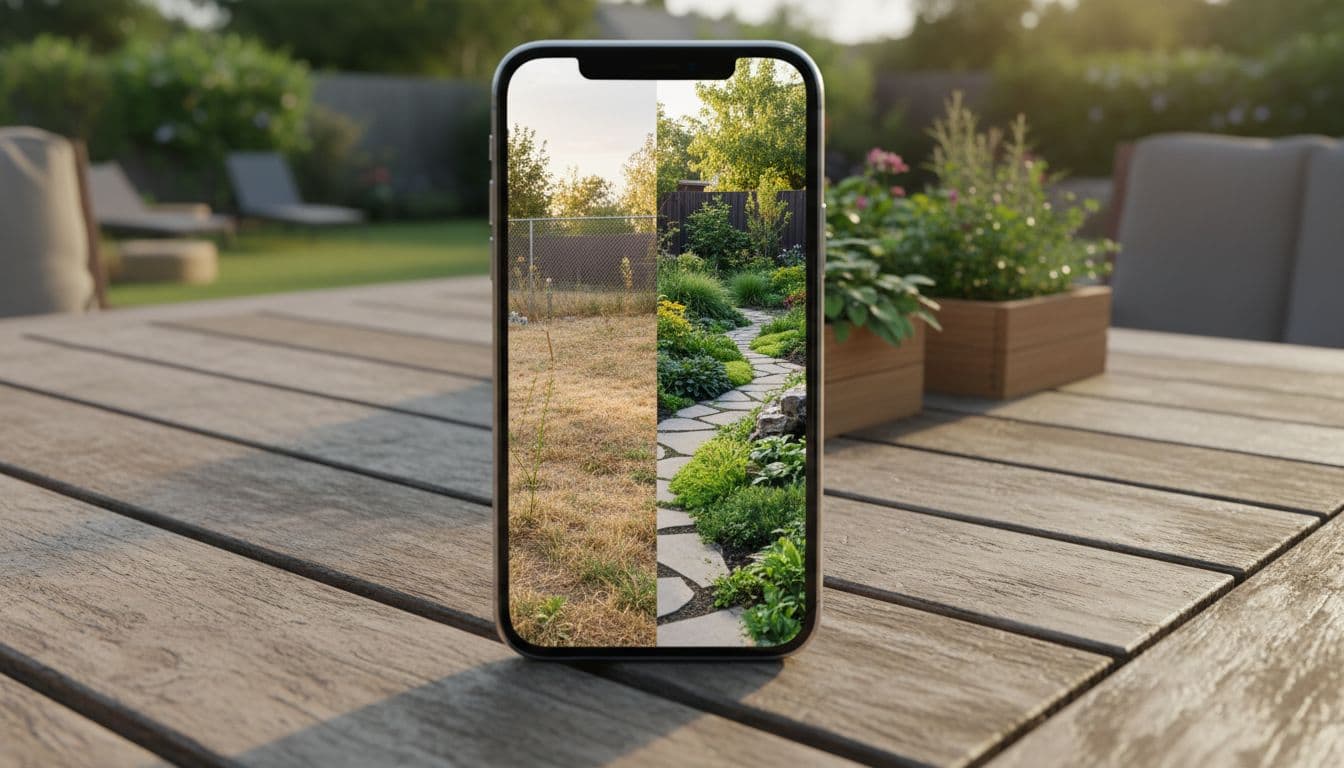
The best tools show your original photo next to the AI-generated design side by side. This before-and-after view makes it much easier to explain the vision to a partner, a landscaper, or yourself, instead of describing it in words.
4. Available Where You Actually Are
Garden inspiration often strikes while you are standing outside, not sitting at a desktop. Look for an AI garden design app that works on iPhone and Android for on-the-spot photos, plus a Web App for planning comfortably on a bigger screen later.
5. Plant Tools Built Into the Same App
Design and plant care are connected problems. An app that also offers AI plant identification and plant health checks means you are not juggling three different apps to plan, plant, and maintain your garden.
Try FlorAI – AI Garden Design Free
Upload a photo of your own garden and see an AI garden design in seconds. Available on iPhone, Android, and Web.


Common Mistakes When Choosing an AI Garden Design App
- Judging by sample images instead of your own photo. Marketing screenshots always look great. Test the app with a real photo of your own space before deciding.
- Ignoring platform availability. If you only use an iPhone but the tool is web-only (or vice versa), you will use it less than you planned to.
- Expecting construction-ready output. AI garden design is for early-stage inspiration and style testing, not engineered drainage or grading plans.
- Overlooking speed. If generating one design takes minutes, you will not explore enough styles to find the one that actually fits your taste.
How to Test an AI Garden Design App Before You Commit
Screenshots and app-store descriptions only tell you so much. Before deciding an app is worth your time, run it through a quick, five-minute test using your own outdoor photo rather than a sample image. Here is a simple checklist to work through:
- Upload your actual garden photo, not a demo image, and see whether the layout of your space is still recognizable in the result.
- Try at least two different styles on the same photo to see how much variety the app can generate from one input.
- Time how long generation takes. Anything beyond a few seconds will discourage you from experimenting with multiple ideas.
- Check the before-and-after view. If the app only shows you the new design without your original photo next to it, it is much harder to judge how realistic the change actually is.
- Confirm platform support matches how you actually plan to use it — phone in the garden, laptop at the kitchen table, or both.
If an app passes all five checks with your own photo, it is worth keeping. If it stumbles on any of them — especially the first one — it is likely optimized for marketing screenshots rather than real everyday use.
What a Fair Price Looks Like for an AI Garden Design App
Pricing for AI garden design apps varies, but a reasonable structure usually includes a free way to try the core feature — uploading a photo and generating at least one design — before any payment is required. Be cautious of apps that ask for payment details before you have seen a single result from your own photo. FlorAI lets you try AI garden design from a photo before deciding whether to unlock additional styles and designs, which is the standard you should hold any AI garden design app to.
How FlorAI Delivers on Every Criterion
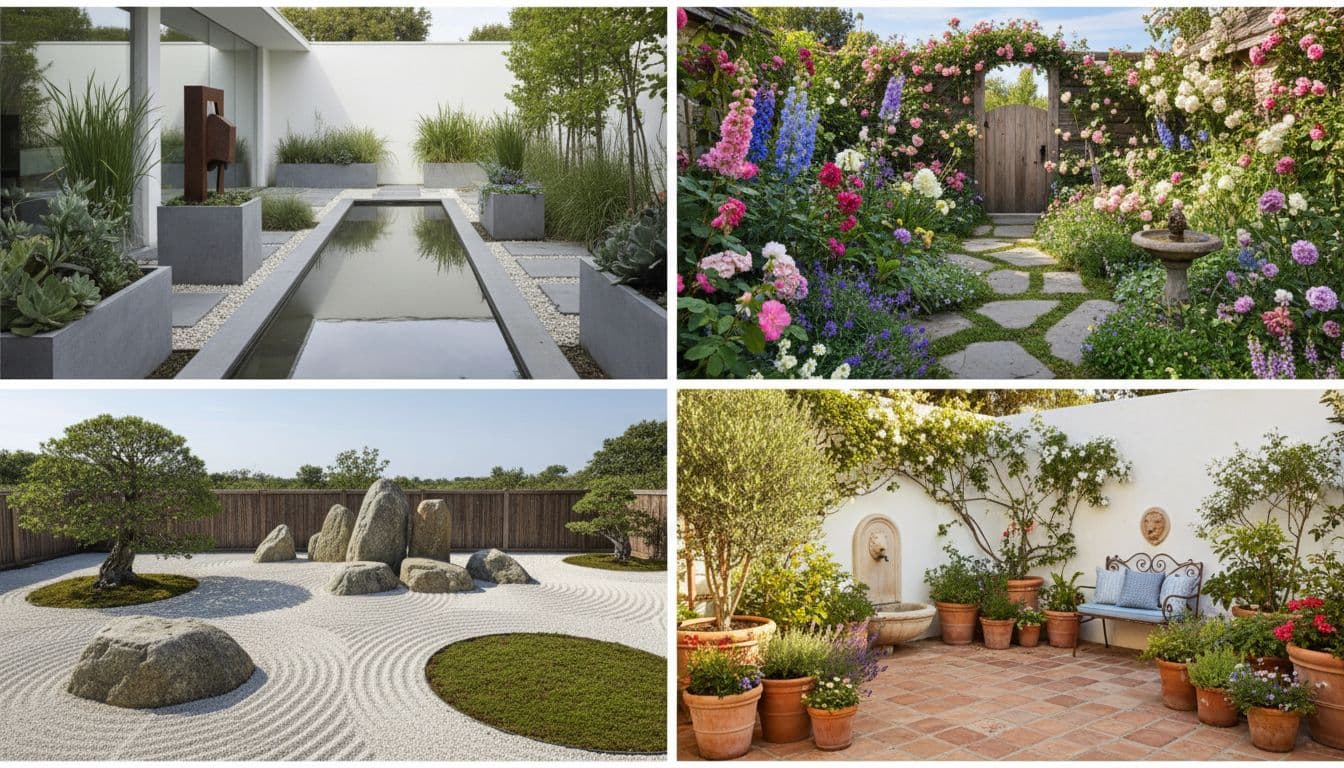
FlorAI – AI Garden Design was built around the exact list above. You upload a real photo of your backyard, patio, balcony, terrace, or front yard, and FlorAI keeps the structure of your actual space while generating a fresh garden design concept in seconds. You can compare styles — modern, cottage, Japanese, Mediterranean, and more — side by side with your original photo using FlorAI’s before-and-after view.
FlorAI also runs on iPhone, Android, and Web, so you can snap a photo outdoors and continue planning later on a laptop. Built-in AI Plant Scan and AI Plant Health tools mean you can identify plants and check on their condition without switching apps. See the full how FlorAI works breakdown for a step-by-step look at the process.
AI Garden Design App vs. Hiring a Designer First
A common question is whether to try an AI garden design app before or instead of hiring a professional. The honest answer is: before, not instead of. An AI garden design app is fast and free to experiment with, so it is ideal for narrowing down a direction — modern versus cottage, more greenery versus more hardscape — before you pay anyone for their time. Walking into a first consultation with a landscaper already holding two or three AI-generated concepts you like tends to make that conversation shorter and more productive, because you are refining an idea instead of starting from a blank page.
Who Should Use an AI Garden Design App
AI garden design tools are most useful for homeowners exploring a makeover before spending money, renters who want inspiration without permanent changes, and anyone who wants to see a few different garden styles before committing. According to the U.S. EPA’s WaterSense program, thoughtful landscaping planning can also meaningfully reduce outdoor water use — another reason it pays to compare a few design directions before you start digging.
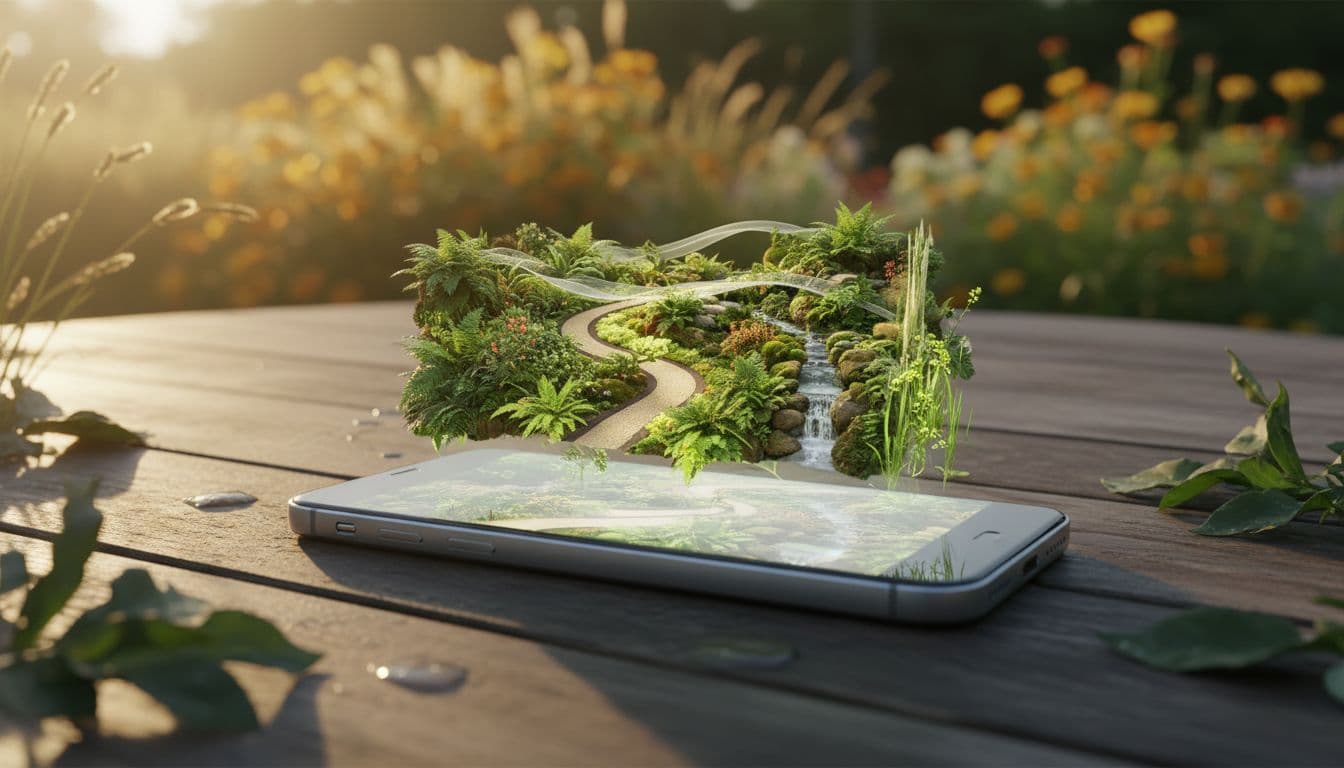
Getting Started With FlorAI
Choosing the best AI garden design app comes down to whether it respects your real space, works fast, and fits into how you actually use your phone or computer. FlorAI checks all three boxes, and you can try it with a photo of your own garden in under a minute.
The next time you catch yourself searching for the best AI garden design app, skip the generic comparisons and run the five-point checklist above instead. It takes less time than reading another listicle, and you will walk away with an actual answer for your own outdoor space rather than someone else’s idea of a good garden.
Frequently Asked Questions
What is the best AI garden design app?
The best AI garden design app is the one that turns your own outdoor photo into a realistic, personalized garden concept quickly and works across the devices you already own. FlorAI does this on iPhone, Android, and Web, generating AI garden design ideas from a real photo of your space in seconds.
Are AI garden design apps accurate?
A good AI garden design app keeps the real shape and structure of your outdoor space and changes the style, planting, and layout around it. This makes the result feel connected to your actual garden rather than a generic stock photo.
Is an AI garden design app free to try?
FlorAI – AI Garden Design offers a free way to try AI garden design from a photo, with in-app options to unlock more designs and styles.
Can an AI garden design app replace a landscaper?
No. AI garden design apps like FlorAI are best for early-stage inspiration, style exploration, and before-and-after visualization. For construction-ready plans, drainage, irrigation, grading, or permits, a qualified landscaping professional is still the right call.
Does the app work for both small and large outdoor spaces?
Yes. FlorAI generates AI garden design ideas for backyards, front yards, patios, terraces, and small spaces like balconies, adjusting the concept to the scale of whatever space is in the photo.
See What FlorAI Can Do With Your Garden
Download FlorAI on the App Store or Google Play, or try the Web App — upload a photo and get your first AI garden design in seconds.
Get FlorAI on the Apple App Store, on Google Play, or try the FlorAI Web App.