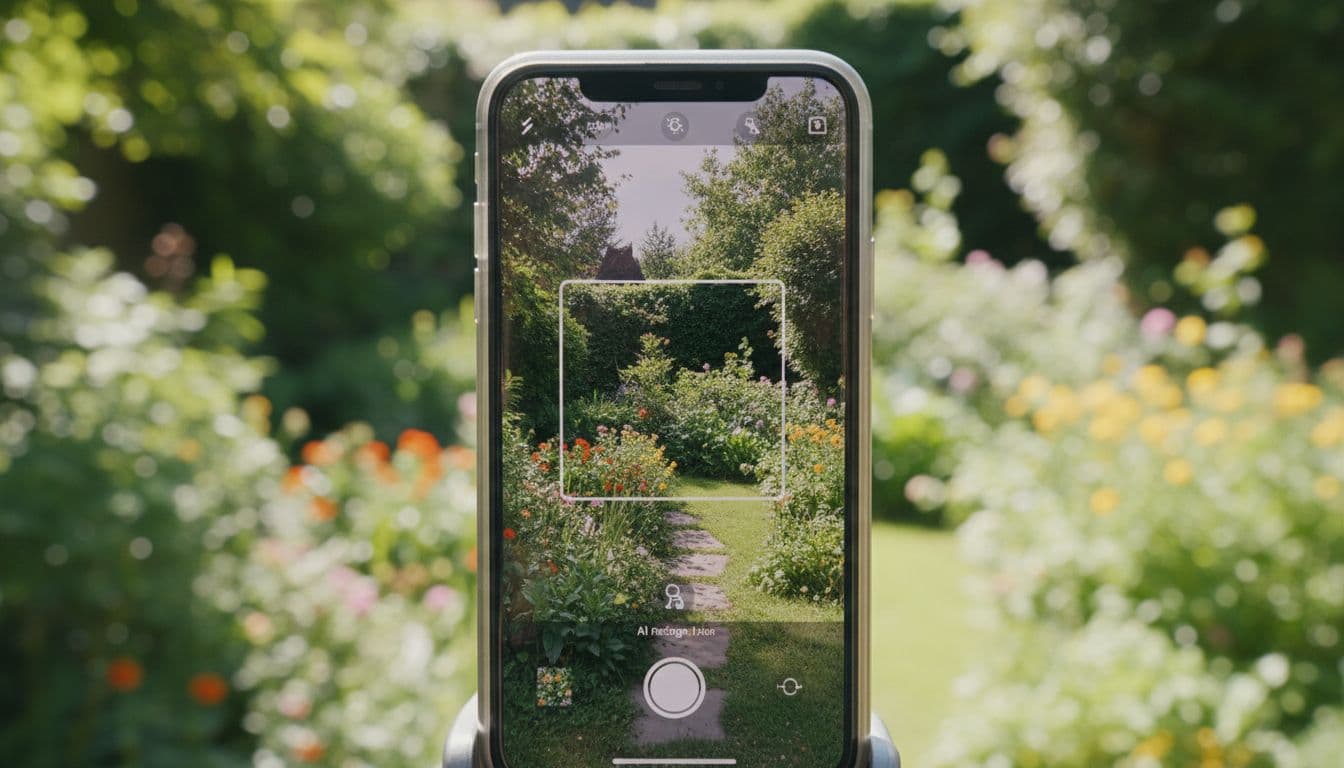
Wondering how to redesign your garden with AI? The short answer: take a photo of your outdoor space, pick a style, and let the AI generate a concept in seconds. This guide walks through the full process step by step using FlorAI – AI Garden Design, from getting a photo that produces good results to comparing your finished before-and-after.
Whether you are staring at a bare backyard with no idea where to start, or you already have a rough direction in mind and just want to see it visualized, this same five-step process works. It does not require any prior design knowledge, and you can repeat every step as many times as you like at no extra effort — each attempt takes seconds, not another trip outside with a notebook.
Why Redesign With AI Instead of Sketching or Searching Pinterest
Before the steps, it helps to understand why this workflow is different from the usual ways people plan a garden. Sketching by hand requires design skill most people do not have. Searching for inspiration photos online gives you other people’s gardens, not yours, so it is hard to know if a look will actually work with your fence, your slope, or your amount of sun. Redesigning with AI solves both problems at once: it needs no drawing skill, and every result is generated from your own space, so what you see is grounded in reality rather than imagination.
What You Need Before You Start
You do not need design experience, sketching skills, or measurements. All you need is your outdoor space and a phone or laptop. FlorAI works on iPhone, Android, and Web, so you can start on your phone outside and continue planning later on a bigger screen.
Step 1: Take or Upload a Clear Garden Photo
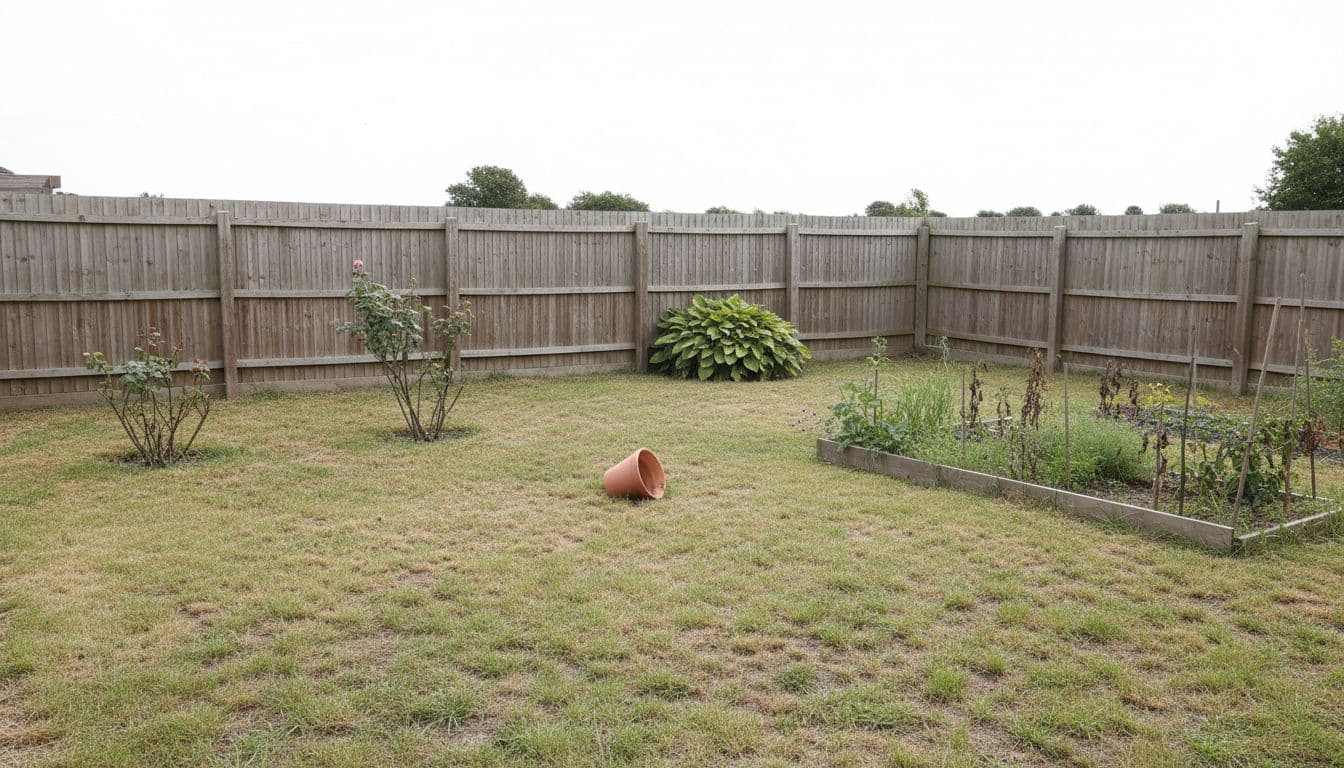
Stand back far enough that your whole backyard, patio, balcony, terrace, or front yard fits in the shot. Shoot during daylight, avoid heavy shadows, and try to keep the camera level. The clearer the photo, the more accurately FlorAI can read the structure of your space — fence lines, patio shape, existing beds, and sun exposure.
Step 2: Choose a Garden Style
Next, pick a direction: modern, cottage, Japanese, Mediterranean, tropical, or low-maintenance are common starting points inside FlorAI’s garden spaces. If you are not sure yet, that is fine — trying two or three styles on the same photo is one of the fastest ways to figure out what you actually like.
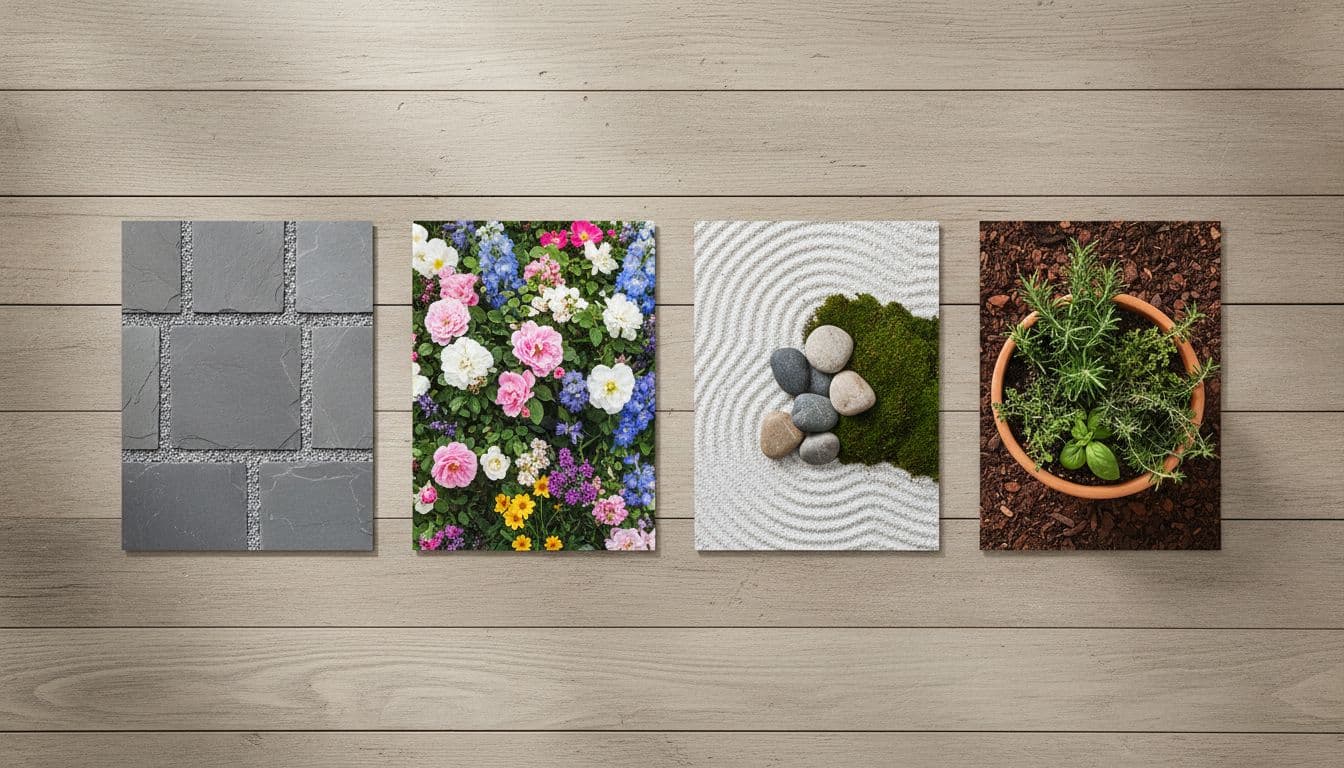
Step 3: Generate Your AI Garden Design
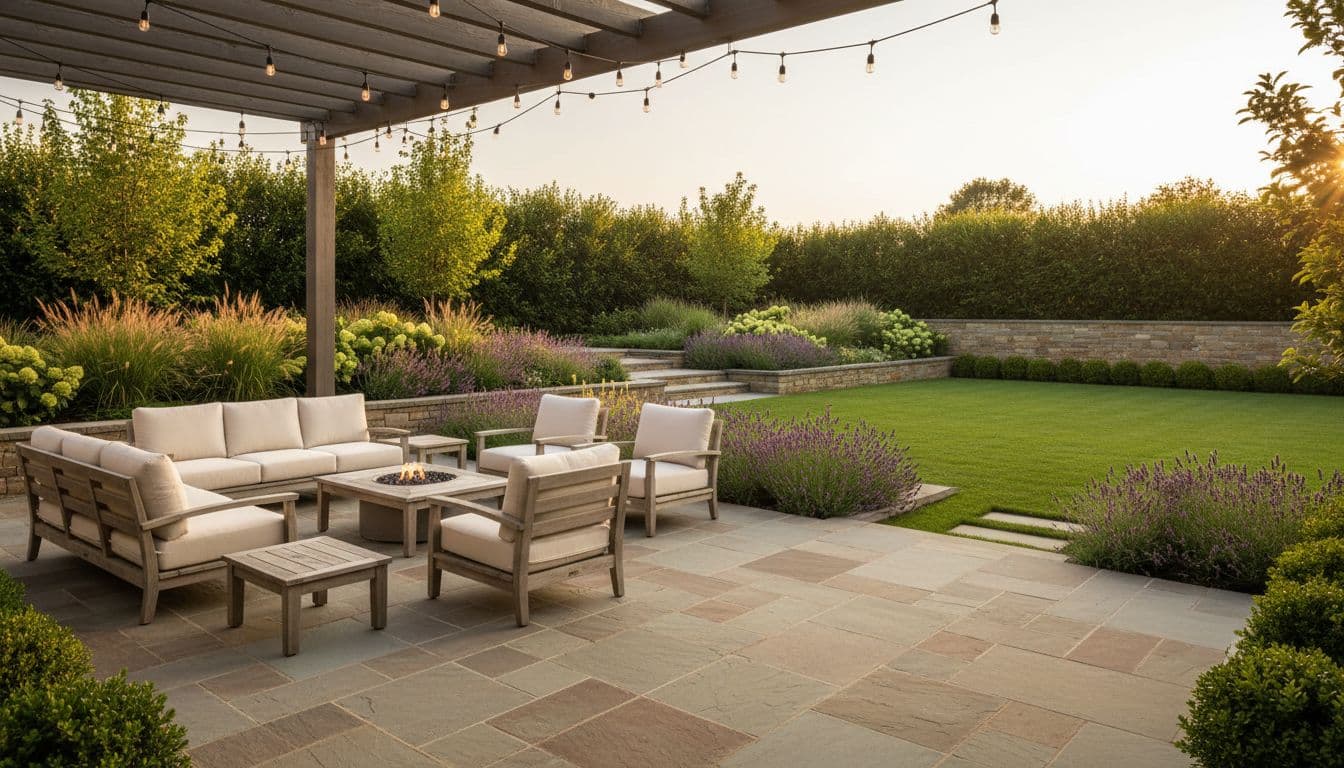
Tap generate and FlorAI creates an AI garden design idea based on your real photo and chosen style in seconds. Unlike browsing generic garden photos online, the result reflects your actual layout, so it is easier to picture the change in your own space.
Step 4: Compare Before-and-After
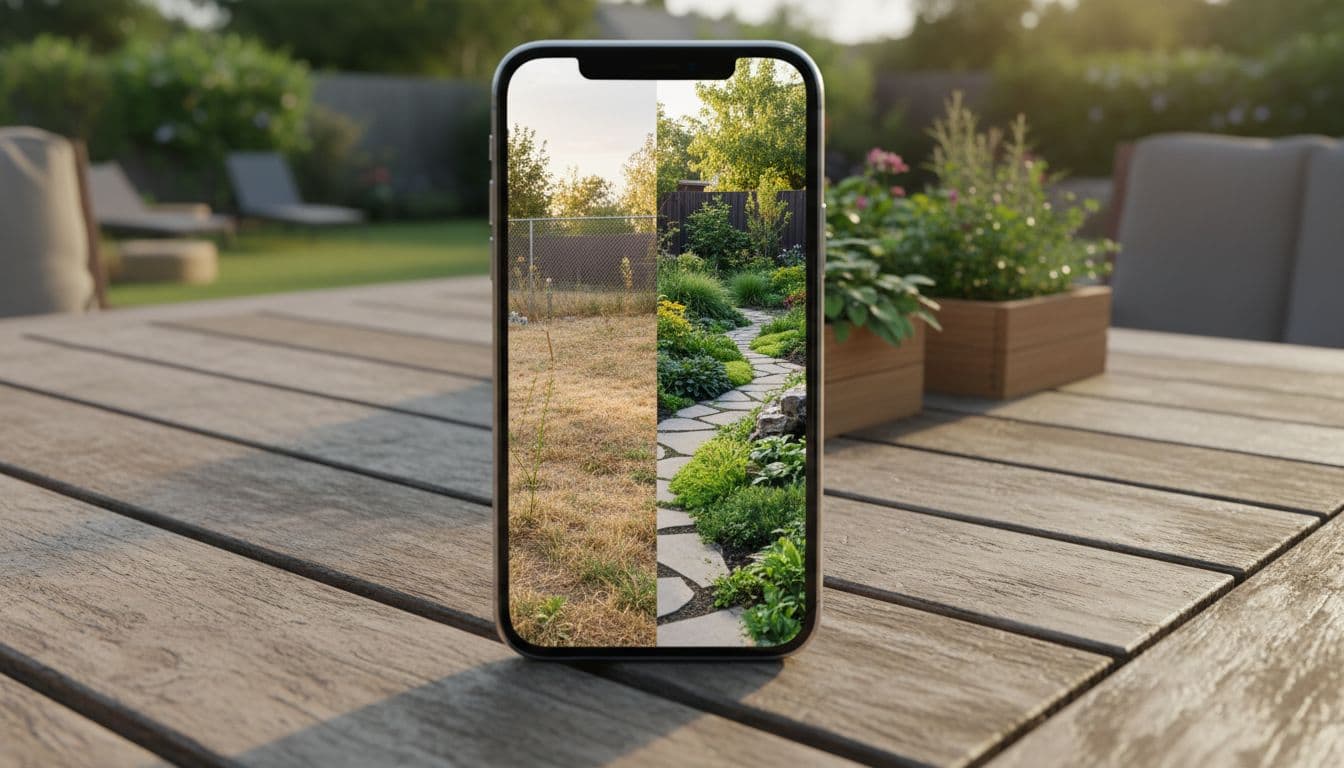
FlorAI shows your original photo next to the AI-generated concept in a side-by-side before-and-after view. This is the step that turns an abstract idea into something concrete — you can see exactly what changed, whether it is a new path, raised beds, or a different planting style.
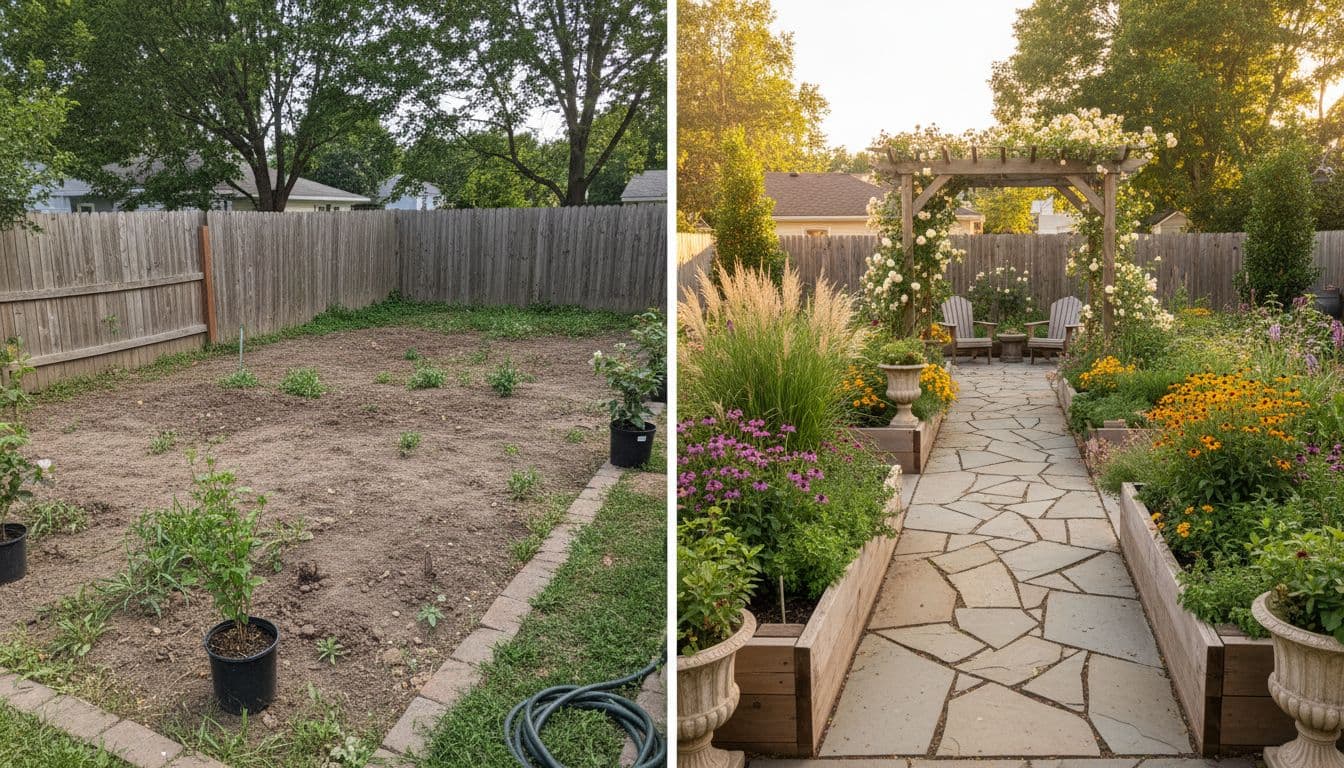
Step 5: Save, Refine, or Share
Save the designs you like best. If a style is not quite right, generate another one from the same photo — it only takes a few seconds. Once you have a design you are happy with, share it with a partner, roommate, or landscaper to talk through next steps.
What Happens After You Save a Design
A saved AI garden design is a starting point, not a finished plan. Many people use it in one of three ways: as a personal reference to shop for plants and materials that match the style, as a shared image to align on a direction with a partner or roommate before spending money, or as a conversation-starter with a landscaper who can turn the concept into a construction-ready plan. In every case, having a concrete image — rather than a vague idea — tends to make the next step faster.
Try This Workflow With Your Own Garden Photo
Upload a photo of your own garden and see an AI garden design in seconds. Available on iPhone, Android, and Web.


Troubleshooting: When Your AI Garden Design Doesn’t Look Right
Most disappointing results trace back to the input photo rather than the AI itself. Here is how to fix the most common issues:
The design ignores part of your space
This usually means the original photo was cropped too tightly. Retake the photo from a few steps further back so the full width and depth of your backyard, patio, or balcony is visible in one frame.
The lighting looks off
Photos taken in very low light or strong backlight can confuse how the AI reads shadows and surfaces. Aim for soft, even daylight — early morning or late afternoon usually works best.
The style doesn’t match what you pictured
Style is subjective, and the fastest fix is simply to generate again with a different one. Because each AI garden design takes seconds to create, testing three or four styles on the same photo costs you almost nothing and usually surfaces a direction you like better.
You’re not sure how to explain the design to someone else
This is exactly what the before-and-after view solves. Instead of describing what you want in words, send the side-by-side image directly — it communicates the idea faster than any explanation.
Redesigning Different Types of Outdoor Spaces
The five-step process stays the same no matter what kind of space you are working with, but a few small adjustments help each space type get the best result.
Backyards
Backyards benefit most from a wide shot taken from a corner rather than straight-on, since it captures depth as well as width. This helps FlorAI understand zones — a seating area versus a planting bed versus open lawn — separately.
Patios and Terraces
For patios and terraces, include any existing furniture or railings in the frame. Keeping these reference points visible helps the AI garden design result stay proportional to the real space instead of looking oversized or undersized.
Balconies
Balconies are often narrow, so shoot from as far back as the space allows, even from just inside the door if needed. Compact spaces still respond well to AI garden design — vertical planting and space-saving layouts are common results for balcony photos.
Front Yards
Front yard photos work best taken from the sidewalk or driveway, capturing the entry path and any existing beds. This is also the space where AI garden design ideas tend to have the most visible impact on curb appeal.
How Often Should You Redesign With AI?
There is no fixed rule, but many people find it useful to revisit AI garden design at natural checkpoints: at the start of a season, before a big purchase like patio furniture or paving, or whenever a space starts to feel outdated. Because generating a new concept takes seconds rather than a scheduling call, there is little downside to checking in on an idea more than once before committing.
Tips for Better AI Garden Design Results
- Photograph during soft daylight rather than harsh midday sun or full shade.
- Include the full width of the space so the AI can work with the real layout.
- Try more than one style on the same photo before deciding.
- Use FlorAI’s AI Plant Scan to identify existing plants before deciding what to keep or replace.
- Keep the camera roughly level with the ground instead of angling up or down, which helps the AI read proportions accurately.
- Revisit the same photo later with a new style if your taste changes — nothing about the process locks you into your first result.
None of these tips require special equipment or a professional camera. A recent smartphone photo taken with a bit of care is enough for FlorAI to generate a usable AI garden design concept.
If you want a plan that accounts for drainage, grading, irrigation, or permits, the Royal Horticultural Society’s garden design guidance is a solid next resource once you have a direction picked out — and a qualified landscaper is still the right call for construction-ready work.
Frequently Asked Questions
How long does it take to redesign a garden with AI?
With FlorAI, generating an AI garden design from a photo takes seconds. Most people try two or three styles within a few minutes.
What kind of photo works best for AI garden design?
A clear, well-lit photo taken from a normal standing height, with the whole space visible and minimal blur, produces the most accurate AI garden design results.
Can I redesign a small space like a balcony with AI?
Yes. FlorAI works with backyards, patios, balconies, terraces, and front yards, so small urban spaces can get AI garden design ideas too.
Do I need to enter measurements or a floor plan?
No. FlorAI works directly from a photo. There is no need to measure your space or draw a floor plan before starting.
Redesign Your Garden with AI in Minutes
Download FlorAI on the App Store or Google Play, or try the Web App — upload your garden photo and see your first AI design today.
Get FlorAI on the Apple App Store, on Google Play, or try the FlorAI Web App.