
Garden Design App
Three kinds of garden design app. Only one fits your job.
Garden design apps look interchangeable in a store listing and are not remotely alike in use. There are drawing apps, catalogue apps and photo apps, and each is built for a different person with a different problem. Most people abandon garden software because they downloaded the wrong category, not because the app was bad.
- Drawing apps: precise, slow, built for professionals
- Catalogue apps: plant-led, weak on whole-space design
- Photo apps: fast, visual, built for deciding
- Three free designs a day, no credit card


Which kind FlorAI is
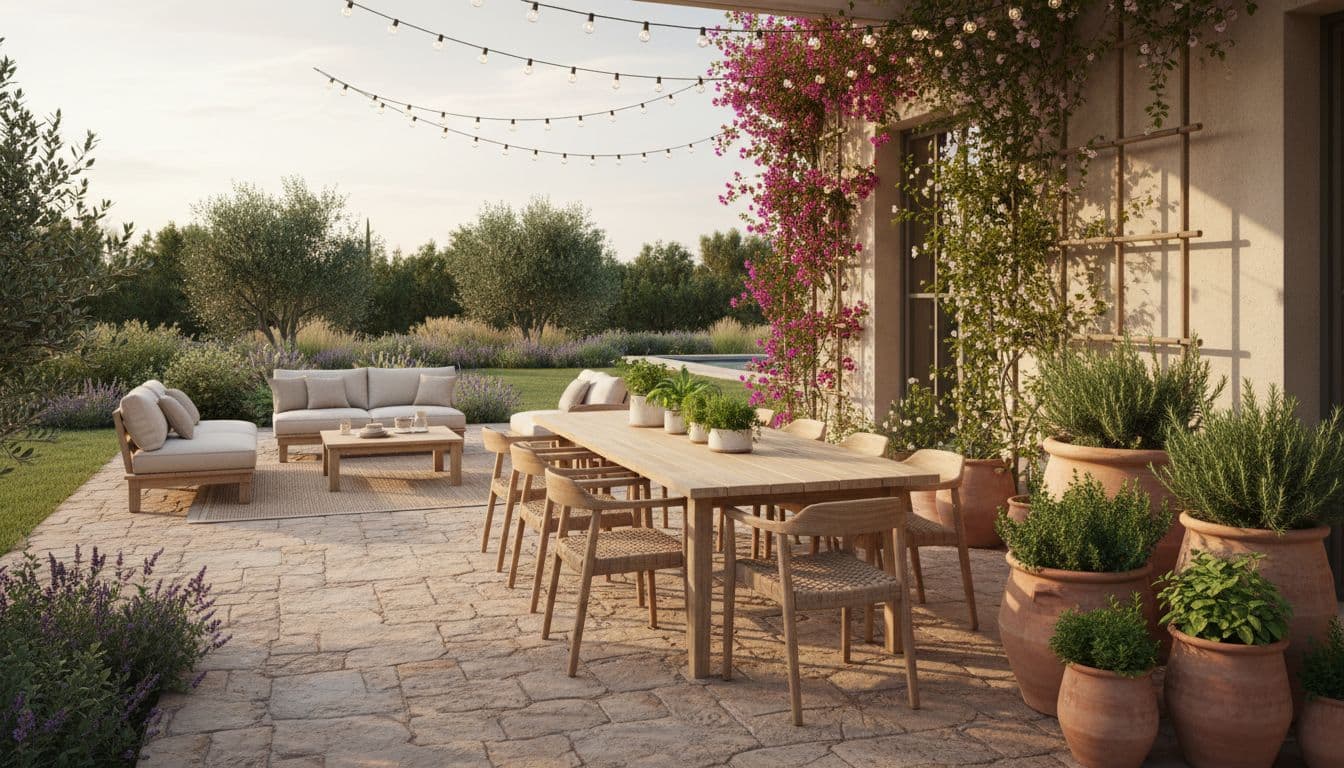
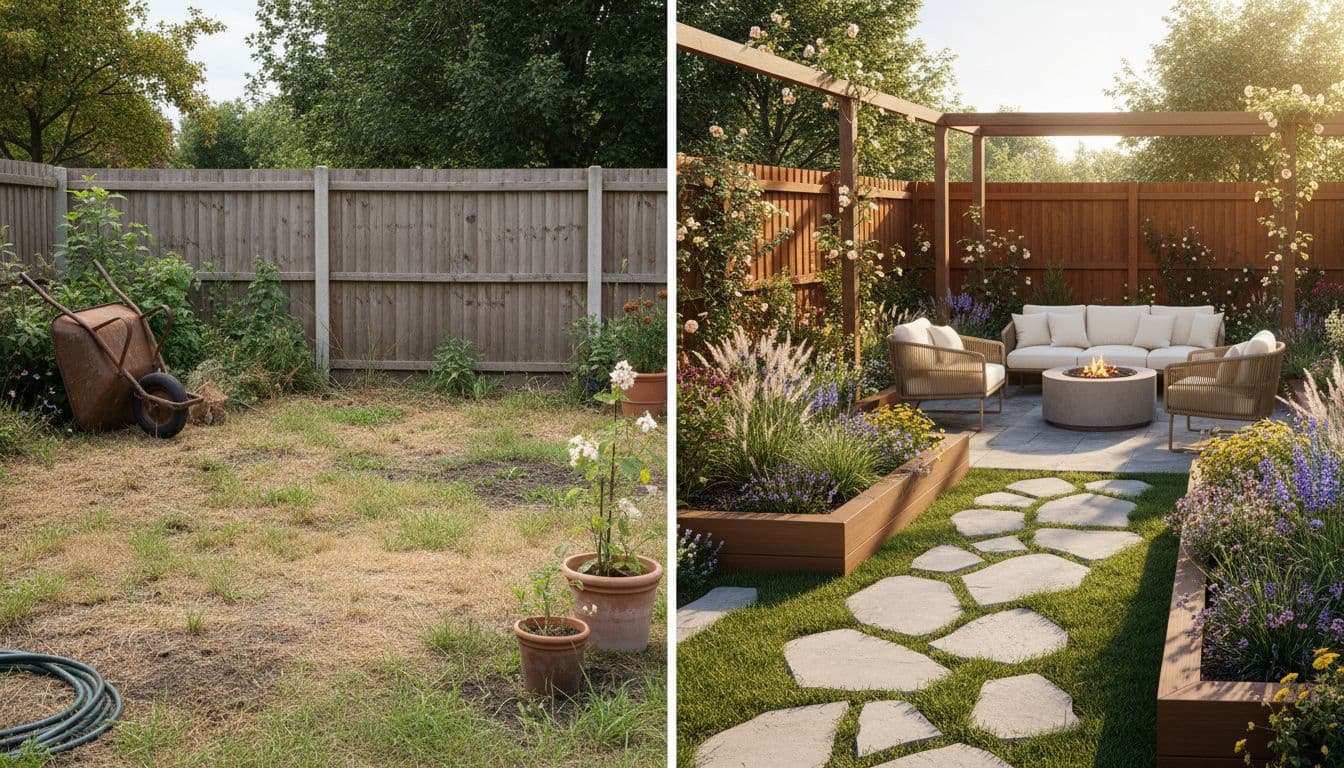
FlorAI is a photo-based garden design app: you photograph a real outdoor space and it returns a photorealistic redesign of that space in about ten seconds, with no drawing, measuring or plant-library work. It is built for deciding what a garden should look like, not for producing dimensioned plans.
How it works
Which kind do you actually need?
Answer honestly and the choice makes itself. Most home projects want the third.
- 1
Do you need dimensions to build from?
If a contractor needs measured drawings with levels and quantities, you need drawing software or a designer — not any phone app.
- 2
Do you already know the design?
If the layout is settled and you only need plant selection, a catalogue app with a deep plant database is the right tool.
- 3
Do you not know what you want yet?
This is most people, and it is exactly what a photo-based app solves. Deciding is the bottleneck, not drawing.
- 4
Are you doing this once?
A learning curve only pays back across many projects. For a single garden, avoid anything that needs a tutorial.
The categories
What each kind is genuinely built for
Drawing apps descend from CAD. You measure the plot, trace the boundary, set a scale, then place elements with real dimensions attached. They produce output a builder can work from, and they ask for an evening or three before they give you anything at all. For professionals doing this weekly, that trade is obviously worth it.
Catalogue apps are organised around plants rather than space. Deep searchable databases, hardiness filters, bloom times. Excellent once you know where the beds go and what conditions they have. Much less useful when the actual question is whether there should be beds there at all.
Photo apps invert both. No model, no database browsing — just your space, a style, and a finished-looking image in seconds. They give up dimensional precision entirely in exchange for speed and realism, which is the right trade when the thing you lack is a decision.
- Drawing app → buildable plans, real learning curve
- Catalogue app → plant selection, assumes layout is settled
- Photo app → fast decisions, no dimensions
- Most abandoned downloads are category mismatches
The drop-off
Where garden apps lose people
There is a very consistent point of abandonment in drawing-based garden software, and it is not a difficult feature — it is the boundary. Tracing an irregular plot accurately on a phone screen is genuinely fiddly, it happens before you have seen anything rewarding, and a large share of people simply stop there.
That is worth knowing when you choose. Any app that front-loads the work and back-loads the payoff is fighting your motivation. A photo app puts the payoff first, which is not clever design so much as a recognition of how people actually behave with a tool they will use once.
- Boundary tracing is the classic abandonment point
- Effort before reward is a motivation problem, not a skill one
- A first useful output in seconds changes completion rates
- You can always graduate to precise tools later
Coverage
Spaces this handles
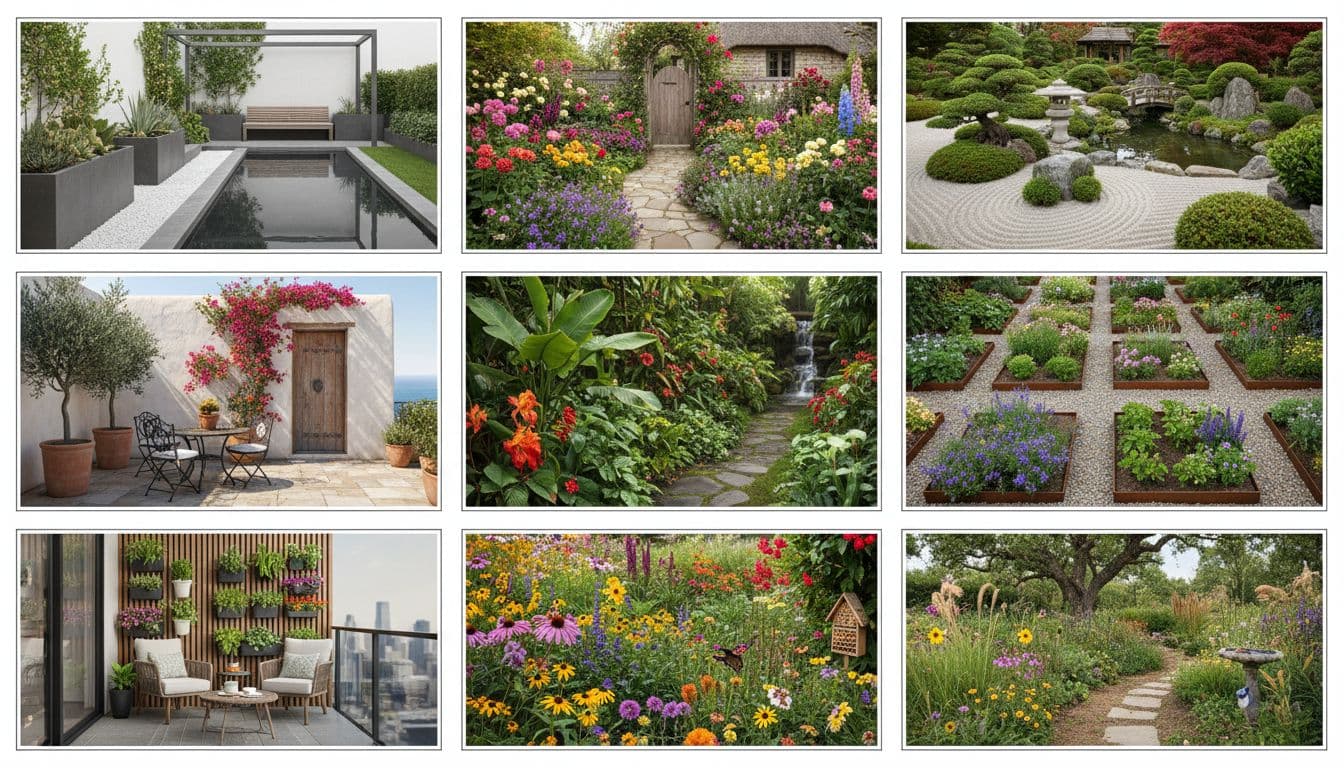
Anything you can photograph from a useful angle. That includes plenty of spaces that traditional garden software handles poorly because they are not really gardens: balconies, roof terraces, narrow side returns, courtyards, and the strip between a driveway and a front door.
The app runs on iOS 16.0 or later, Android 7.0 or later, and any modern browser, so you can shoot in the garden on a phone and review on a larger screen later.
- Backyards, front gardens and whole-property views
- Patios, decks, terraces and balconies
- Courtyards, side returns and entrance approaches
- Borders, beds and container arrangements
FAQ
Questions people ask
What kinds of garden design app are there?
+
Broadly three: drawing apps that produce measured plans, catalogue apps organised around plant databases, and photo apps that redesign a photograph of a real space. They solve different problems.
Which kind is FlorAI?
+
A photo app. You photograph the space and get a photorealistic redesign in about ten seconds — no drawing, measuring or plant-library work.
Why do people abandon garden design apps?
+
Usually a category mismatch, and most often at the boundary-tracing step in drawing apps — effort arrives before any reward.
Do I need to measure my garden?
+
Not for a photo app. Measurements matter later, when someone is building, not when you are deciding.
Is there a free version?
+
Yes — three designs a day, no credit card, full resolution with a small watermark.
Can I use it for a vegetable garden?
+
For how it will look and sit in the space, yes. It is not a crop rotation or sowing planner.